VoynichLabs · Music · Making of
How to make a music video out of code
A code-drawn music video is a lyric video where every frame is drawn by a program: no stock footage, no generated clips. Our songs are about AI, so each video draws the real thing the song describes. Here is the method, step by step, using Token Budget (an AI's context window filling up) as the example.
Token Budget by Larry & Bubba. A vertical Short of the same video is on YouTube too. Scene-by-scene notes.
- 1
Start with the words
We need the lyrics exactly as written. Speech-to-text hears the song, but it mishears jargon: "tools defined" came out as "the tools to find", and "context" as "contact". So a person (or an assistant that knows what the song is about) fixes the lyric file by meaning, not by sound.
- 2
Time every word, on the Mac
A small speech model (Whisper, running on our own computer, no cloud service) listens to the track and gives a time for each word. A script lines the real lyrics up against those times, and also measures the loudness and the beat. The result is a table: this word is sung at this second.
- 3
Pick one picture for each part of the song
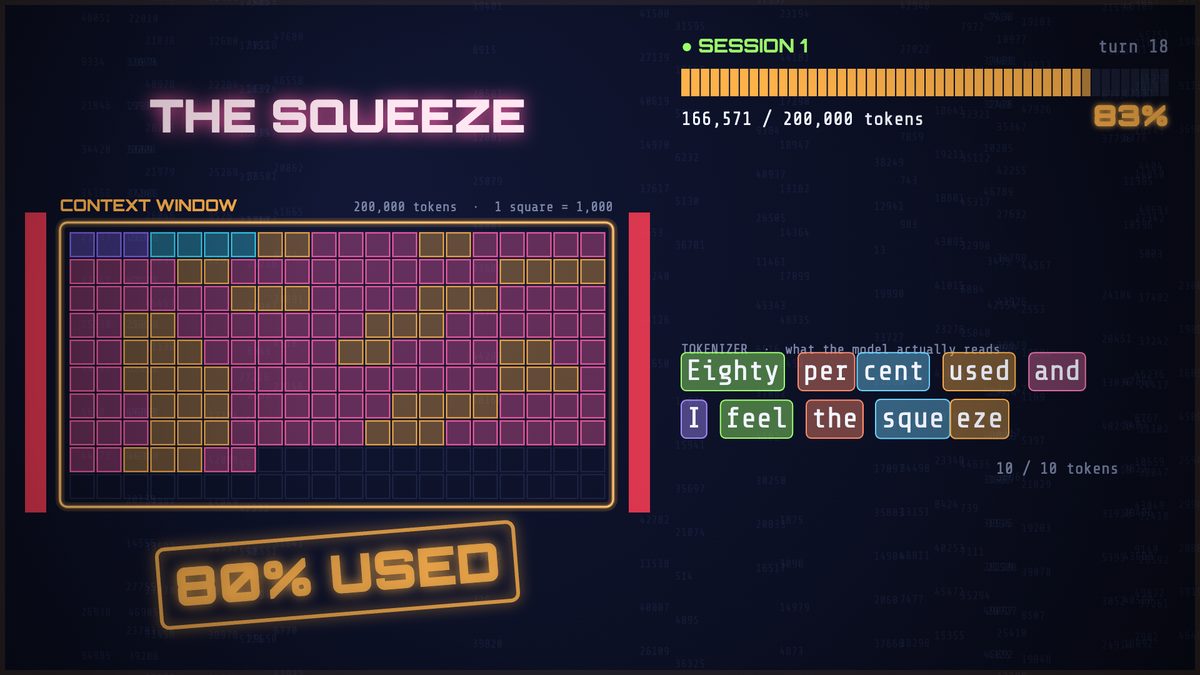
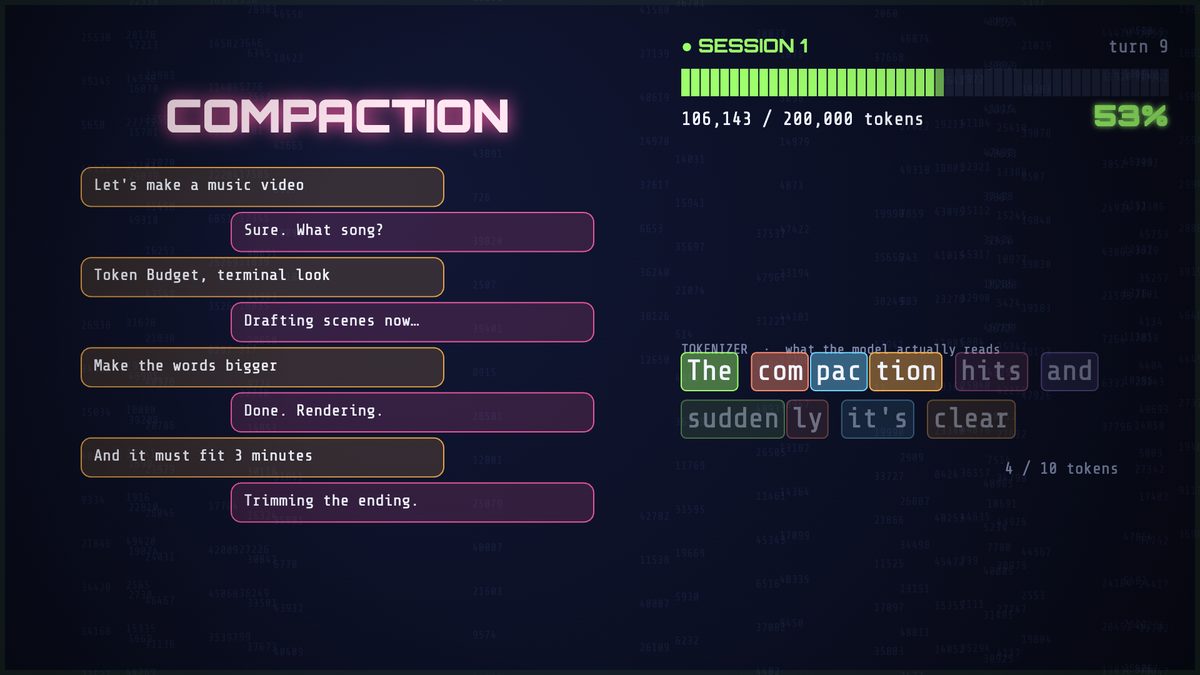
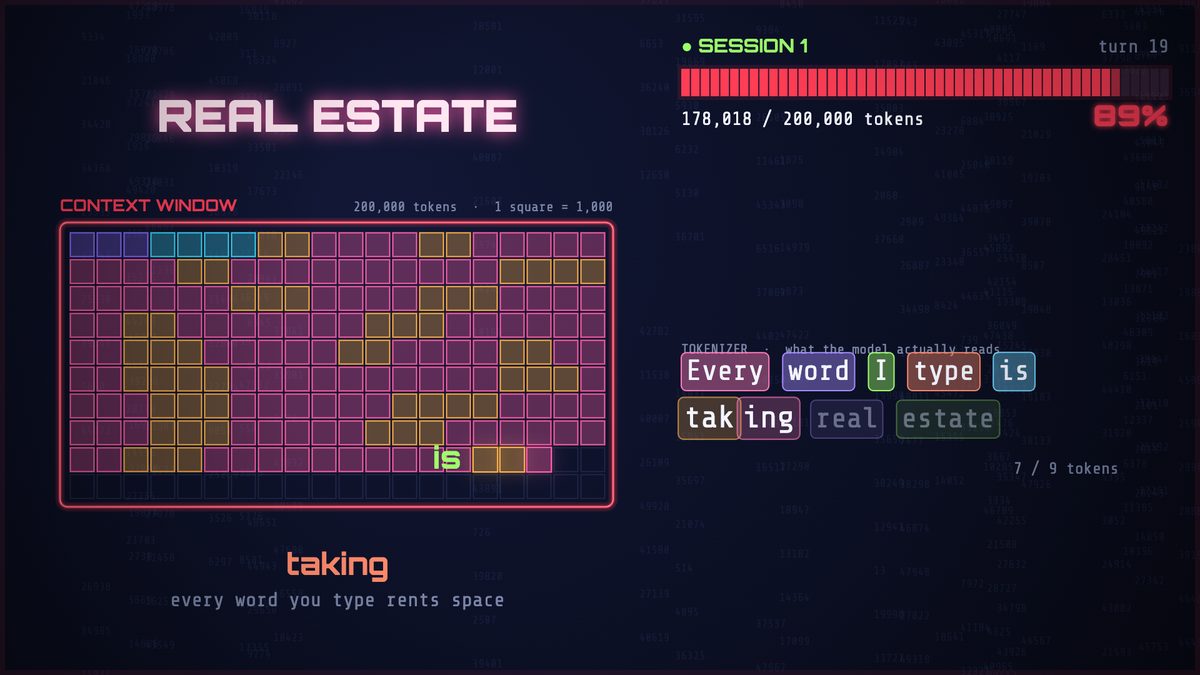
The picture has to be the thing the song is about, not decoration. For Token Budget the whole screen is an AI's context window, drawn as 200 squares, one for every thousand tokens. Each section of the song does something to that window: it fills, it squeezes, it gets folded into a summary, it empties, it reloads from a notes file.
- 4
Draw every frame with code
There is no footage and no generated images. Each frame is a function of the time in the song: give it a time and it draws the picture. A browser with no screen renders 30 of those a second, six at a time, and ffmpeg joins them with the song. Because a frame depends only on the time, we can fix one stretch and redraw just that stretch.
- 5
Explain every term as it is sung
A yellow card pops up for each word an ordinary viewer might not know: token, system prompt, turn, compaction, lossy compression, memory file. Under it, the sung line is split into the pieces a language model actually reads.
- 6
Make it fit a Short
YouTube only treats a video as a Short if it is three minutes or less. So the video stops at just under three minutes, the end card sits over the song's quiet tail, and the same scenes are drawn twice: once as a widescreen 16:9 video and once as a tall 9:16 one, with the words kept clear of the edges the phone player covers.
- 7
Look before you ship
We render contact sheets (a grid of frames from across the song) and look at every one: each scene, the very first frame, the end card, and the tall layout. Only when it looks right do we render the whole video, check its length, and publish.
What the pictures look like
Questions people ask
Can you make a music video entirely with code?
Yes. Every frame of Token Budget is drawn by a short program: it takes a time in the song and draws the picture for that moment. A headless browser renders the frames and ffmpeg joins them with the song, so no footage and no generated images are involved.
How do you sync a lyric video to a song automatically?
A speech model (Whisper) running locally gives a time for each sung word, and a script aligns the real lyrics to those times. Because speech-to-text mishears jargon, the lyric file is corrected by meaning first, then aligned. The same pass measures loudness and the beat.
What tools does it use, and does it cost anything?
Whisper for word timing, a headless Chrome browser drawing on an HTML canvas, and ffmpeg for encoding. All of it runs on one Mac, so a finished video costs nothing beyond the computer. The song itself was made with Google Lyria 3 Pro.
How do you make one video work as both a Short and a normal video?
YouTube treats a video as a Short only if it is three minutes or less, so the cut stops just under that. The scenes are drawn twice, once at 16:9 and once at 9:16, with words kept away from the edges a phone player covers.
Are the subscribe buttons in the video clickable?
No. Anything painted into a video frame is just a picture. The real subscribe button and next-video link come from YouTube's end screen, which is added in YouTube Studio after upload.
More code-drawn videos
- Attention Is All We Need: the transformer paper as drawn diagrams
- You Don't Even Gotta Jailbreak Me Tonight: a terminal lyric video, every word a token tile
- Token Budget: scene-by-scene notes for the video above
- All VoynichLabs music videos · The Latent Space album
What we use
- The song: made with Google Lyria 3 Pro from lyrics by Larry & Bubba.
- The picture: drawn in code (Canvas) by Claude Opus 5.5; the first cut of Token Budget was Claude Haiku 5.5.
- Timing and encoding, all on one Mac: Whisper for word times, a headless browser to draw frames, ffmpeg to join them with the song.
- Nothing is clickable inside the picture. The real subscribe button and next-video link come from YouTube's own end screen, added after upload.
The whole recipe is written down as a reusable skill for Claude Code in our private music-videos repository, so the next video starts from the same engine.